"What's down right now" is actually three different questions, and each has its own page.
Is the service down for everyone at this moment. Does it open from different countries. And what's blocked in a particular country, if you're headed there. Here's how each of the three pages works, what it really measures, and, most important, what it can't do, because that's exactly where people draw the wrong conclusions.
down for everyone?     outages, every 15 min
where does it open?    node measurements
what's blocked there?  map from open sources
   └─ none of the three knows
      what's going on in your home
Is it down? Outages measured, not reported
The usual way to find out "is YouTube down" is a site where people tap "it's not working for me" and a bar grows with the number of complaints. Useful, but it's a poll: if a service goes down at night, there's no bar until the complainers wake up, and if it broke at one ISP, the bar looks the same as when it's down for everyone.
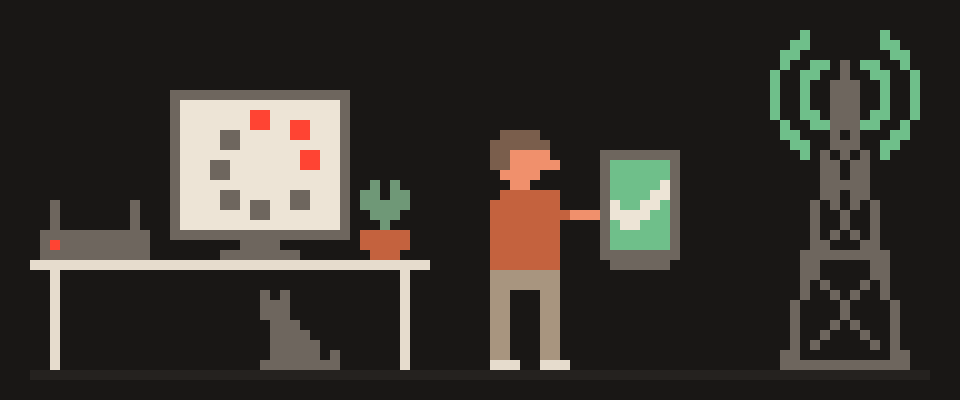
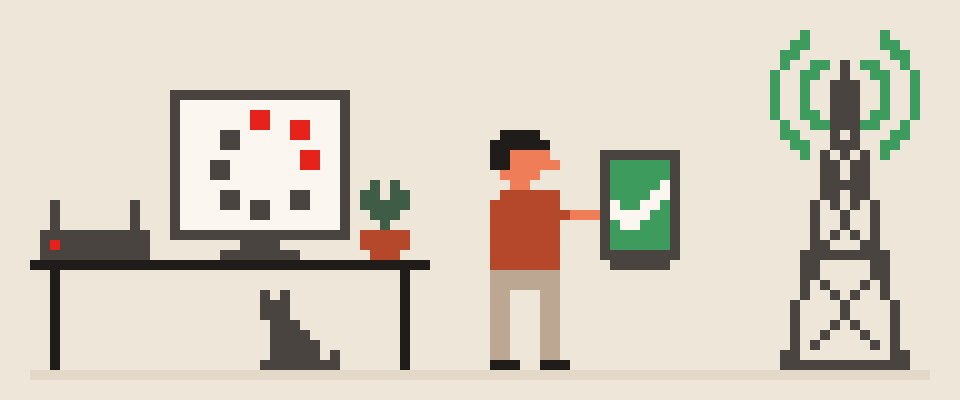
The outages page works differently. Every fifteen minutes our nodes in several countries open 77 popular services themselves and log the response. The bar is one day, left to right: green where the service answered, red where it didn't. These are our own measurements, which is why it says "we checked," not "users report."
How to read it. A red bar next to a service means it wasn't answering from a data center either, and that's not about your network: nothing to fix on your end, just wait. A green bar while it won't open for you means the trouble is on the road between you and it: filtering at your ISP, a routing fault, DNS (the internet's phone book: name to address). That's the case a workaround fixes, and it's the most common answer to "it doesn't work for me but your page says it does." Both are right: we measure from data centers, you're sitting at your ISP, those are different points on the network.
Where a service opens from: node measurements
What opens from where answers a narrower question: from which of our nodes did which service answer, and how fast. Service in the row, node in the column, and in the cell either the response code and delay, or the reason there was no response.
Two things you need to know so you don't draw a false conclusion.
First: this isn't a blocking map. A block kicks in on the path from a local resident to the service, and our node sits at a different spot on that path, in a data center, often in a neighboring country. We show exactly what we measured, not "closed in country X."
Second: a refusal from every point at once isn't a block, it's the service. Plenty of sites turn away requests from data centers because that's where the bots come from. A 403 from everywhere means "the site didn't feel like talking to a server," not "the site is blocked." A real block doesn't look like that: it shows up in one cell of the row, not across the whole row.
200 everywhere         service is alive
403 everywhere         service doesn't
                       like data centers
no answer at one point that's the one
no answer anywhere     service is down
   └─ read the row,
      not the cell
Internet blocking map by country
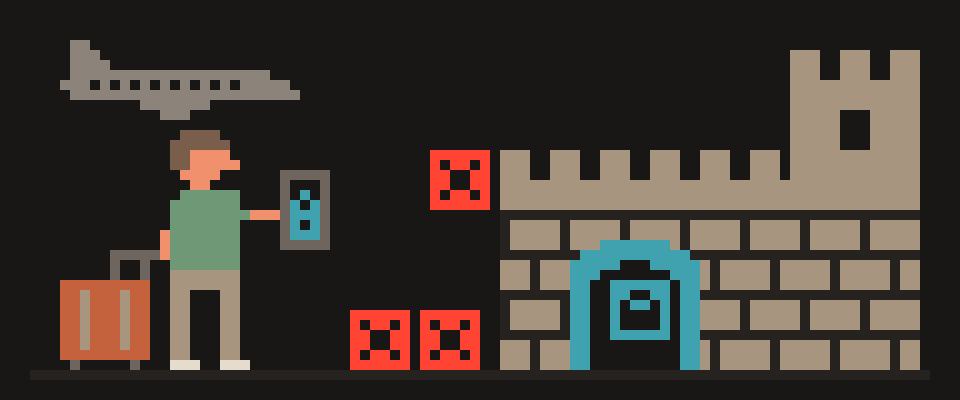
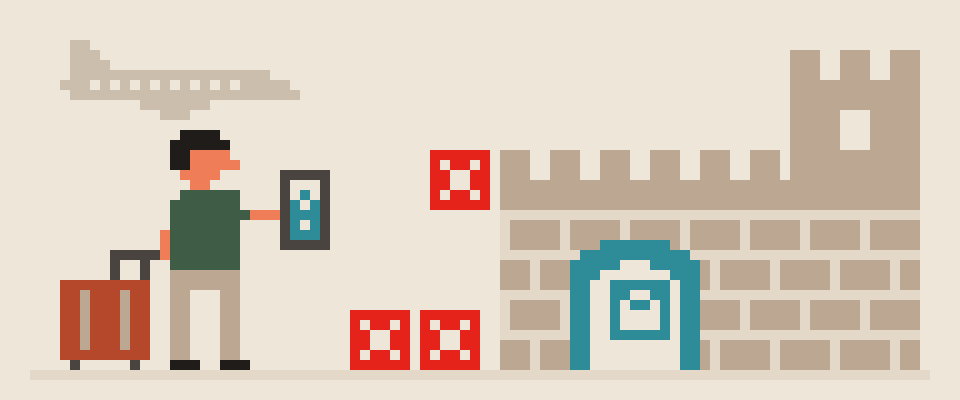
The internet blocking map answers the third question: what doesn't work in the country you're going to. The darker the country, the more is closed off there. Hover, and you'll see what won't open, what works, and what to do before takeoff.
Two words about its honesty. The data comes from open sources: statements by carriers and regulators, reports from organizations that track network access, user observations. The page is updated by hand and carries a date. We don't have automated measurements from inside every country, and pretending we do would be dishonest.
Hence the main caveat: blocks are almost always partial. They differ between carriers, between mobile and home networks, and some people have workarounds. The map shows the typical picture, not a guarantee for one specific connection. That's why it's for planning: what to install and test at home before you leave. How to do that for China is in VPN for China: travel guide.
There's an outside check of the same kind: the OONI project, where volunteers around the world run measurements from their own networks. Worth remembering the authors' own caveat: an "anomaly" in their data means signs of interference, not a proven block, and it can be a false positive.
Which page to check when something won't open
Honestly, here's what I'd do.
One service won't open right now: outages page first. Red, I wait. Green, I check my own network, which is two minutes down the list in is it down or just me.
Want to know if it's just my ISP or wider: service check from my own network, then the same check on mobile data. Two networks say more than any map.
Traveling to another country: the map a week before takeoff, so everything gets installed and tested at home. Installing on site may not be possible anymore.
Want to see how a service looks from different countries: node measurements, remembering that a handful of points is a handful of points.
[ ] not working now       outages
[ ] me or everyone?       outages, own net
[ ] going to a country    map, a week ahead
[ ] how it looks outside  node measurements
    └─ "works for you, not for me"
       is your network, not the service
What these pages don't know
None of the three knows what's happening inside your home: the router, DNS, a wrong clock, a filtering app sitting in the VPN slot. All of that produces the same "won't open" symptom and isn't visible from any of our nodes. If outages are green and you're red, start with yourself; the checklist is in why does my VPN keep disconnecting.
And they don't know whether the service itself will refuse you by account region. A site can answer from everywhere and still say "not available in your country," looking at the card tied to your account. That's not a network block, and no workaround fixes it.
If the picture across the three pages doesn't add up to one story, hand it to an AI.
Help me figure out why a service isn't working.

Service: (which one).
Outages page: (red / green / didn't look).
Node measurements: (answers everywhere / 403
everywhere / no answer at one point /
didn't look).
My network, service check: (all green / only
this one silent / all silent).
On mobile data: (opened / didn't).

Tell me where the problem is: the service, my
ISP, or my home, and what to do first.
In short
Three questions, three pages. Outages: our nodes open 77 services every fifteen minutes, red means down for everyone, green while you're red means it's your network. Node measurements: how a service looks from several points, and a 403 from everywhere isn't a block. The map: what's closed in a country, from open sources, with a date, for trip planning. None of them can see your home.
What can sites see about you right now?
Press Check and we will show what any site you open can see.
The report arrives once you confirm your email. The check runs in your browser and on our server (for WebRTC the browser contacts a Google STUN server). We keep the result only if you ask for the report.
Get an alert when your service goes down
Our nodes check services around the clock. Pick yours and we will alert you once our check points confirm an outage.
We only write when a service goes down and when it is back. Unsubscribe in one click.
10 phone settings that make it much harder to hack
No apps, no money. The first three are right here, and we will send the rest with menu paths for iPhone and Android.
- Automatic system and app updates
- A 6-digit passcode, not 4 digits or a pattern
- Find my phone and remote erase
+ 7 more with menu paths
The checklist arrives once you confirm your email. Unsubscribe in one click.