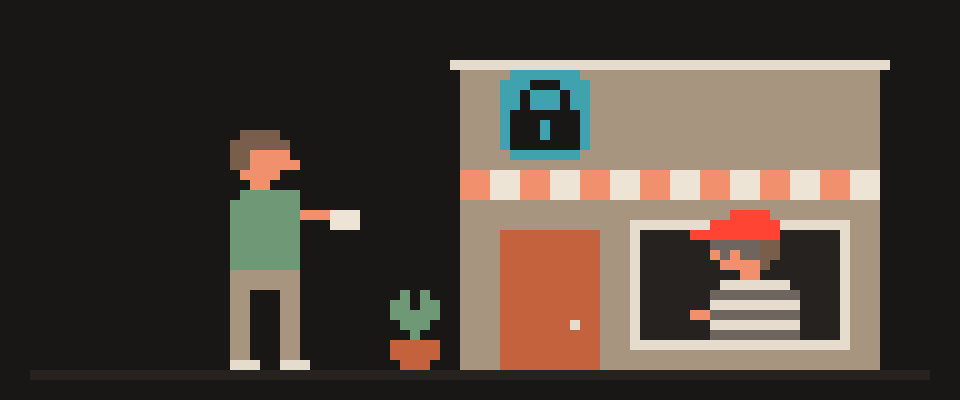
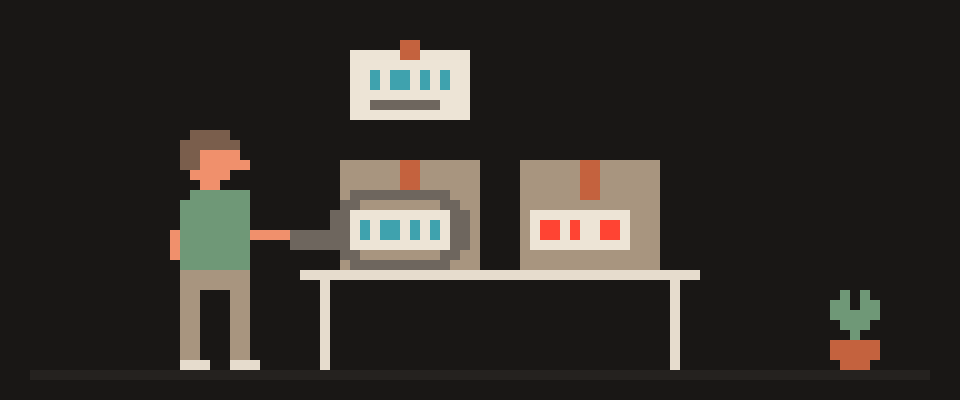
A short link and a QR code have the same problem: you can't see where you're going until you're there.
With a normal link the domain is visible before the click, and the domain is how you tell the real bank from a fake one. A short link hides the domain, and a QR code shows you nothing at all except a square. Here are three things you can find out ahead of time, without opening anything: where a link leads, what's inside a code, and which tracking tags got stapled to you. All in the browser, nothing to install.
bit.ly/abc → counter → affiliate → site
     └─ you only see the first hop
     └─ every hop plants a tag
[!] the domain that tells a fake
    from the real thing is hidden
    until the very end
Why the domain matters more than the padlock
The one thing a human can use to tell a real site from a fake is the domain: the part between https:// and the first slash. The padlock in the address bar doesn't help here; fake pages have one almost every time, since certificates are issued in a minute for free these days. Why the padlock guarantees encryption but not honesty is in what does the HTTPS padlock mean.
A short link removes exactly that from the equation. Instead of chase.com you see bit.ly/xxx, and you decide whether to go in blind. Same with a QR code: the camera reads the address and opens it, and you see the domain only once the page is already open.
How to see where a short link goes
Paste it into the link unshortener. The tool walks the whole chain of redirects (automatic hops from one address to the next) and shows every step, the final address, and the tags in it.
Two things matter here. First: our server walks the link, not your browser. Whoever's counting clicks doesn't get your address, your cookies or your fingerprint. The shortener's counter ticks up by one, but that one is our server, not you.
Second: a chain of four hops in a row isn't a sign of fraud, it's just advertising. The shortener hands you to a counter, the counter to an affiliate network, that one to the store, and each of them plants its own tag on the way. That's what almost any link from a newsletter or a product post looks like. What you look at is the last address: whose domain is it, and does it match what was promised.
final domain       matches the promise?
number of hops     4 is normal for ads
http without s     data travels in the open
tail after "?"     tags: who and from where
   └─ decide by the first line,
      not by the padlock
How to check what's inside a QR code
Point your camera at a code and you're going in blind. People exploit that: a sticker with someone else's code over the real one on a parking meter, on a coffee shop table, on a flyer. You pay the wrong person and find out later. The FTC says as much in its consumer alert: there are reports of scammers covering codes on parking meters with their own, and the advice is the same: if a code is somewhere unexpected, look at the address before you open it.
You can look here: read a QR code. Upload a picture with the code or point the camera right on the page, and you'll see what's inside: an address, text, a Wi-Fi password or payment details. Neither the picture nor the camera frames go anywhere; the code is read by the browser's built-in decoder.
Honest caveat: that decoder exists in Chrome and Chromium-based browsers, Android included, but not in Safari or Firefox. There the page will just tell you it can't read it. We didn't want to pull in a third-party library for this.
Then the rule is the same: look at the domain. The code promises parking payment and the domain is unfamiliar, so you don't pay. A code from an email leads to a login page and the domain is wrong, so it's a fake login page, the most common plot after the stickers.
How to remove UTM and tracking tags from links
The tail of a link after the question mark usually isn't needed to open the page. utm_source, utm_medium, utm_campaign, fbclid, gclid are UTM tags (labels for the ad system: where you came from). Removing them doesn't break the page, but they tell the site which newsletter, banner or social feed you came from, and tie the visit to your profile in the ad network.
When you forward a link like that to a friend, you forward the tags too: the system logs that your friend arrived "from your newsletter." The link cleaner strips the tail and gives you a clean address. That's the one to open or forward. What else gives you away to ad networks besides tags is in browser fingerprinting explained.
The reverse job comes up too: making your own QR code from a link, some text or the guest Wi-Fi password. That's the QR code generator, also no signup and nothing sent to a server.
Which links are worth checking
Straight up: unrolling every link from newsletters and posts is pointless. Four hops and a pile of tags, sure, but that's advertising, not fraud. Two categories are worth unrolling: links that ask you to log in or pay, and links from people you don't know. QR codes are the opposite: check them almost every time there's money behind them. Code on a parking meter, on a table, on a bill. One second to "read" versus who knows how long to "get it back."
[ ] link asks you to log in or pay
[ ] link from someone you don't know
[ ] QR at a parking meter, café, bill
[ ] QR in an "urgent, confirm now" email
    └─ product newsletter: skip it,
       that's just ads
What the check doesn't solve
An unrolled link with an honest domain can still lead to an honest site with a scam listing on it. The check answers "where am I going," not "should I buy anything there." And it won't stop you typing your password into the real site you reached through a doctored link in a "your account has been suspended" email. That's not a tool, that's a habit: open your bank from a bookmark, not from an email.
If a link unrolled into something you can't make sense of, show the chain to an AI.
Help me figure out whether this link is safe.

Where it came from: (email / messenger / listing /
QR code on the street).
What was promised: (parking payment / account
login / a product / other).
Redirect chain: (paste the addresses step by step).
Final domain: (which one).

Tell me whether the domain matches what was
promised and what in the chain looks off.
If you need more, ask.
In short
A short link and a QR code hide the domain, and the domain is the only thing that tells a fake apart. Unroll the link before you open it, read the code before you pay, strip the tags before you forward. Three tools, zero signup, and nothing you check leaves your device, except the link itself, which our server visits instead of you.
What can sites see about you right now?
Press Check and we will show what any site you open can see.
The report arrives once you confirm your email. The check runs in your browser and on our server (for WebRTC the browser contacts a Google STUN server). We keep the result only if you ask for the report.
Get an alert when your service goes down
Our nodes check services around the clock. Pick yours and we will alert you once our check points confirm an outage.
We only write when a service goes down and when it is back. Unsubscribe in one click.
10 phone settings that make it much harder to hack
No apps, no money. The first three are right here, and we will send the rest with menu paths for iPhone and Android.
- Automatic system and app updates
- A 6-digit passcode, not 4 digits or a pattern
- Find my phone and remote erase
+ 7 more with menu paths
The checklist arrives once you confirm your email. Unsubscribe in one click.